RAW COLOR WORKFLOW FOR VFX
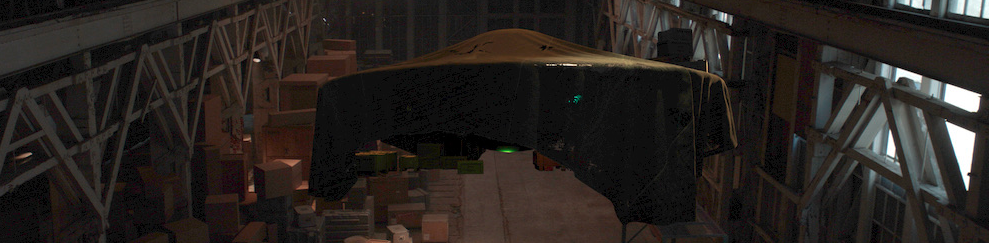
The secret sauce is in the COLOR
Inverse color transform using the BG plates:
- Using a Levels effect on the BG plate apply an Input Black and Input White move + Gamma to create a decent looking plate.
Input Black and Input White are somewhat negotiable, but Gamma must be .454.
Don't touch the Output Levels at this stage, only Input.

2. Work with these plates in your in comp. Integrate 3D elements using exposure and other tools to make sure the black & white points visually match the BG plate.
Create a new comp for export of the shot. I do the scale-to 3.8K in this new comp as well as applying letterbox bars to mask any layers that extend beyond the image area.
Apply a Levels effect, this time using the inverse of the previous Levels;
If you applied Input Black levels of 0.0667 then apply the same to the Output Black. Same with the Output White. Set Gamma to 2.2, which is the inverse Gamma of .454.
Don't touch the Input Levels at this stage, only Output.

This is a frame of what you would see in your comp. The BG has been leveled to live in a “normal world, and the rendered object plays nicely;
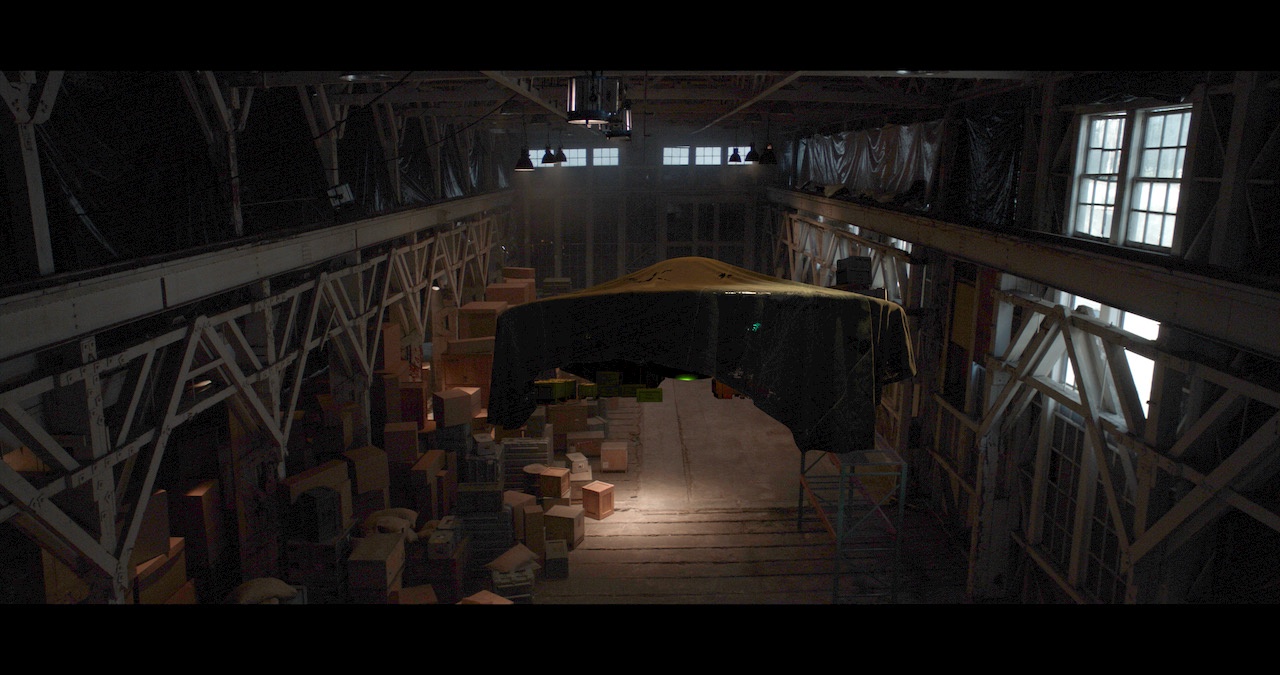 

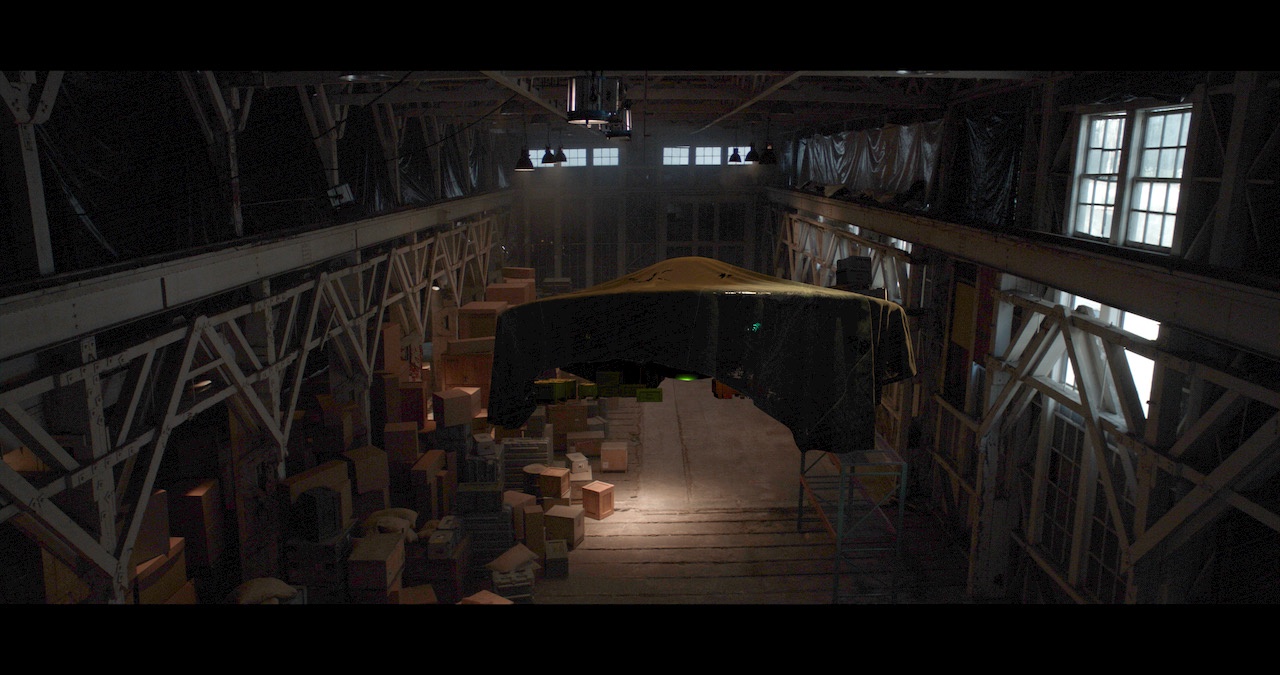
This is a frame of the output, the BG plate and CG elements have been transformed back into the original plate's color levels;
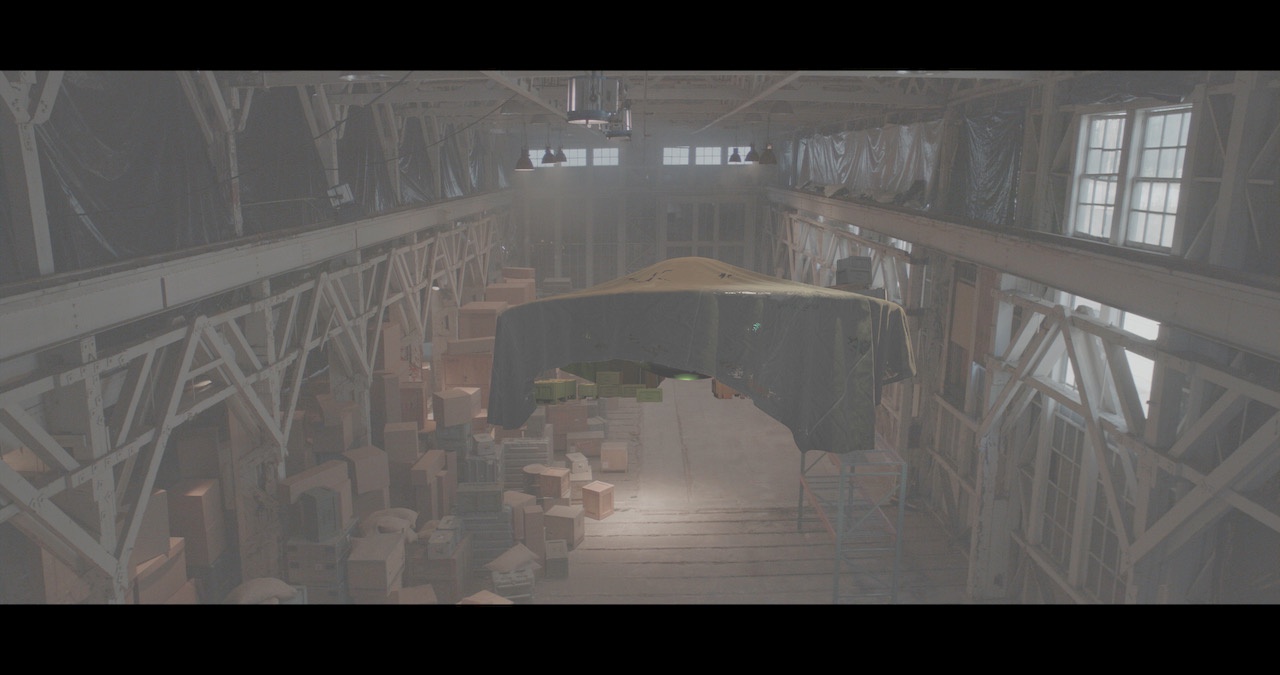
This is a frame of the above image with the view Levels applied looking just like our comp view ;

 Home | About | Full of Stars | Contact | HeartCartography
“May your seas be wide enough for wonder, your harbor always waiting, and your light never fail when another soul is searching.” – The Lantern Keeper